GoHighLevel Missed Call Text Back: Setup, Duplicate Prevention and Callback Workflow
A missed call is not necessarily a lost lead, but sending an automatic text is only useful when it reaches the right person, avoids repeated messages, and gives a human team a clear next step. This guide explains how to configure GoHighLevel missed call text back, when to use a workflow instead, and what to test before relying on it for customer inquiries.
What happens after a missed call?
HighLevel’s built-in Missed Call Text Back can send an SMS after an incoming call goes unanswered. In the current interface, the setting lives under Settings → Phone System → Voice → Voicemail & Missed Call Text Back. HighLevel’s official setup documentation, updated September 7, 2026, also explains how an eligible SMS-capable sending number is selected if the dialed number cannot send texts.
The important limitation: the built-in feature can text on every missed call, including repeated attempts by the same person. That can become annoying quickly. For more controlled behavior, HighLevel recommends customizing a workflow recipe with a waiting period or other filters.
Built-in text back or a custom workflow?
Choose based on the follow-up experience you actually need, rather than enabling every automation option at once.
| Decision | Built-in text back | Custom workflow |
|---|---|---|
| Primary purpose | Acknowledge an unanswered inbound call | Coordinate a controlled callback process |
| Repeated missed calls | May send another text for each missed call | Can add waits, tags and enrollment controls |
| Internal team follow-up | Keep a separate manual callback process | Can create tasks or send staff notifications |
| Setup effort | Shorter, simpler configuration | More conditions to design and test |
These are implementation choices, not guarantees that a message will be delivered. The official Call Details workflow trigger supports filters such as incoming call direction, call status, phone number and custom disposition, with follow-up actions such as tasks, tags and notifications.
Set up the basic missed call text back
- Check your phone setup. Confirm your sub-account has a functioning inbound number and an SMS-capable eligible sending number. Verify local messaging registration, sender eligibility, consent and billing requirements for your country.
- Open the feature. Go to Settings → Phone System → Voice → Voicemail & Missed Call Text Back.
- Enable and customize. Turn on Missed Call Text Back and choose Customize. Write a brief, helpful reply with a realistic callback expectation.
- Review voicemail timing. Test how long the phone rings before voicemail and the missed-call event. Avoid an overly short timeout that cuts off calls.
- Send a test. Use the provided test option, then place an actual unanswered call from a permitted test number. Check the conversation record and the sender number before leaving the feature enabled.
Example for a home-service business: “Thanks for calling Northside Repairs. We couldn’t answer just now. Please reply with the service you need and your preferred callback time, and our team will follow up during business hours.” This is sample copy, not a promise of a response time. Adjust it to match your staffing and applicable messaging requirements.
Build a safer callback workflow when call volume grows
For a busy repair shop, clinic or agency, a text alone does not assign responsibility. A practical workflow can separate the automatic acknowledgement from the human callback.
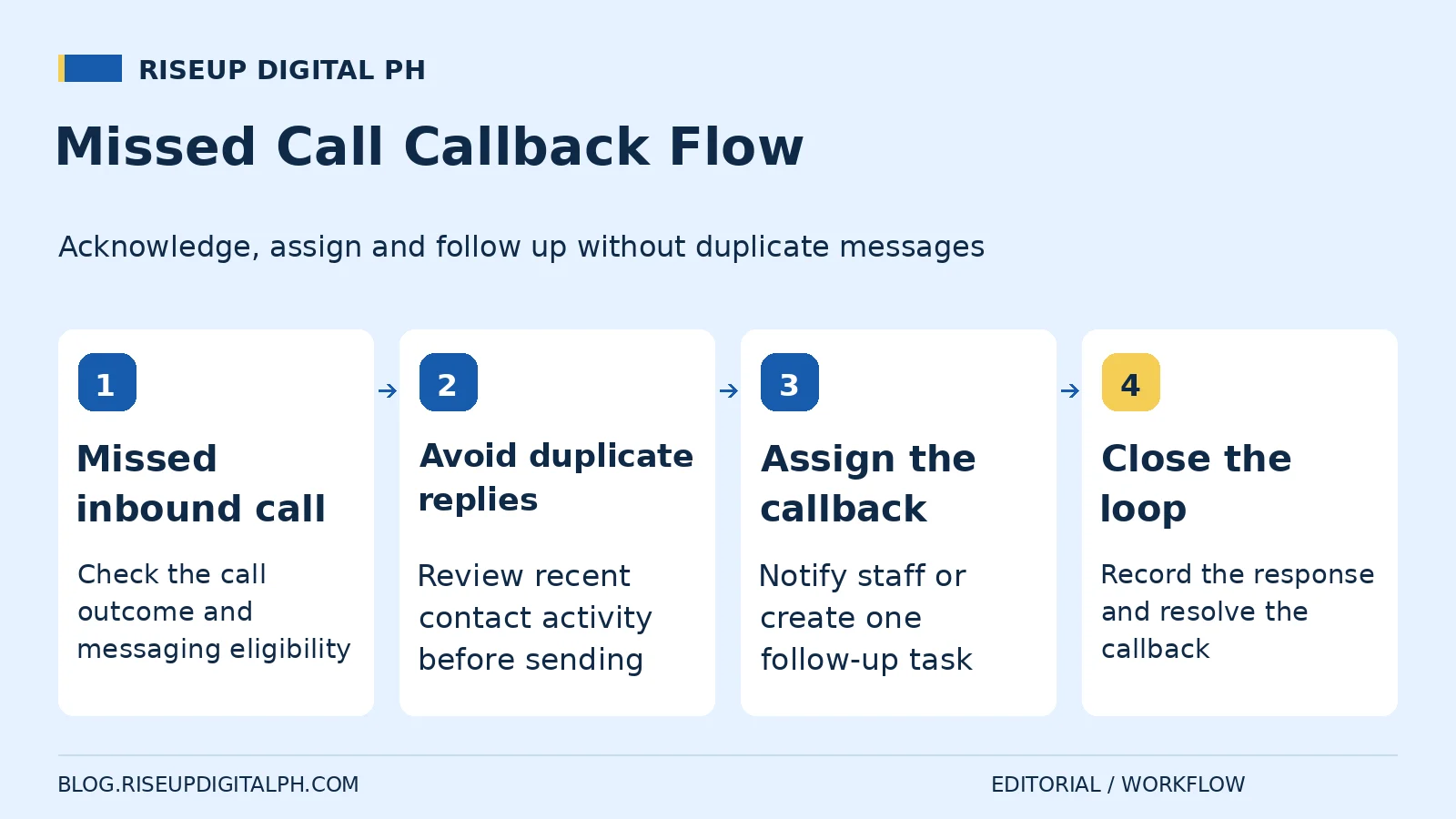
Recommended sequence: qualifying missed incoming call → check whether this contact is already awaiting a callback → notify the responsible staff member or create a task → send an appropriate acknowledgement if permitted → wait for a reasonable interval → close or update the callback task after a response. Design the duplicate-suppression logic carefully, rather than assuming workflow re-entry settings alone prevent every duplicate.
In Automation → Workflows, select the Call Details trigger, filter for the intended incoming call statuses, and add only the follow-up actions you need. HighLevel’s Call Details guide distinguishes system call status from custom call dispositions, which matters when testing no-answer and voicemail events.
For example, if the same customer calls twice within ten minutes, the team should ideally see one open callback task rather than two competing tasks and repeated promotional texts. A tag or other contact-state check may help, but test each branch using real call outcomes. If the built-in feature is also enabled, you may get both its text and the workflow’s text: review the configuration to prevent overlapping messages.
Five checks before switching it on for customers
Use this short pre-launch checklist to make sure the process helps rather than frustrates callers.
- One genuine missed call: verify whether the expected message sends and appears in Conversations.
- Two missed calls close together: confirm the number of texts and callback tasks; change the workflow if it spams the caller.
- Answered call: confirm no missed-call acknowledgement is sent.
- Unrecognized or opted-out caller: verify that personalization does not show blank fields and that DND, consent and applicable opt-out requirements are respected.
- SMS-ineligible number: inspect the sending-number fallback or failure reason, and confirm that someone can still return the call manually.
Costs, consent and troubleshooting
SMS and phone usage may be billed separately from the software subscription, and delivery depends on country, carrier, number eligibility, messaging registration and recipient preferences. Do not assume a message was delivered merely because the workflow ran. Check actual delivery and failure records, especially when the caller’s number is international or cannot receive SMS. Follow applicable privacy and messaging-consent rules; an inbound call does not automatically authorize unrelated marketing campaigns.
If nothing sends, first check whether the feature is enabled, whether the call was classified as missed, whether a sending number is eligible, and whether the contact has DND or other messaging restrictions. If texts repeat, review whether both the built-in feature and a workflow are sending. HighLevel documents these considerations in its Missed Call Text Back reference.
Where missed-call follow-up fits into a small-business system
A callback message works best alongside a maintained CRM record, assigned staff responsibilities and a clear next action. If you’re still building the wider lead-handling process, start with our lead capture and follow-up guide and appointment scheduling guide.
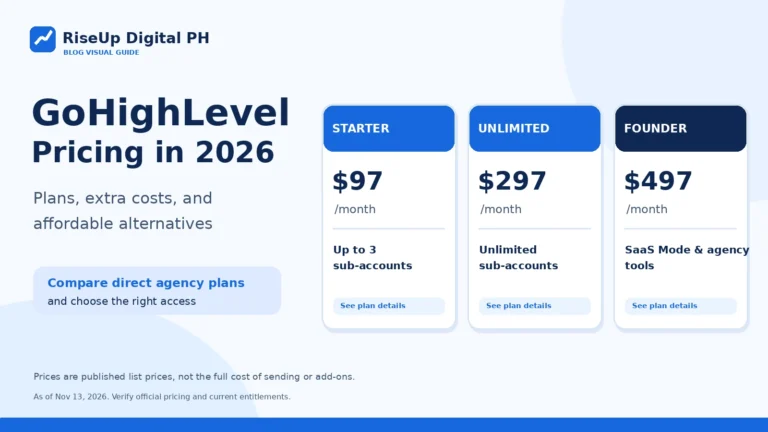
For freelancers and small teams looking for an affordable GHL-powered business suite to organize CRM, follow-ups and scheduling, explore RiseUp Digital PH. Its subscription arrangement is separate from a direct HighLevel agency account; confirm phone/SMS availability and usage costs for your intended setup.
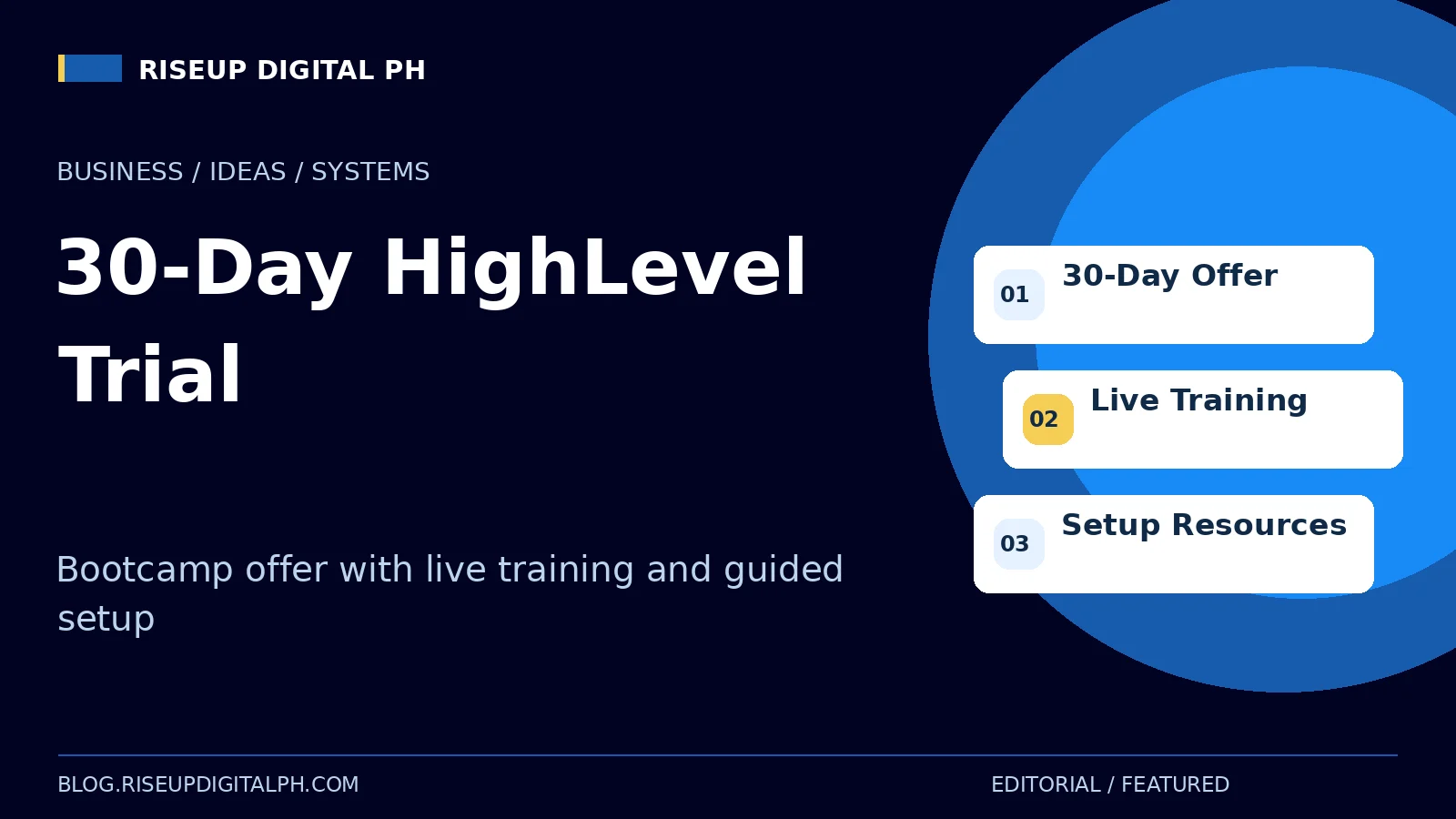
Prefer to explore HighLevel directly? The official Bootcamp page currently advertises a 30 Days FREE Extended Trial with a free live guided Bootcamp. Our HighLevel Bootcamp trial guide explains the offer and signup considerations. Availability and eligibility are subject to the live checkout terms; communication usage charges may apply during the trial.
Bottom line
Start with a single clear acknowledgement, then add a tested callback workflow only when your team needs better routing and duplicate control. The real win is not the automatic text itself: it is a reliable way to help a missed caller reach a person who can solve their problem.